What Is a Time Audit [And Why Every Knowledge Worker Should Do One]

Most people who feel behind aren’t managing their time badly. They just don’t know where it’s going.
That’s not a motivation problem. It’s an information problem.
A time audit fixes the information problem. It’s the practice of deliberately recording how you actually spend your hours — not how you planned to spend them, not how you wish you had, but what genuinely happened. A proper time audit shows you the gap between your mental model of your day and reality. That gap is almost always larger than you expect.
This is the foundational concept behind everything in modern productivity advice that actually works. Before you can improve how you spend your time, you have to know where it goes.
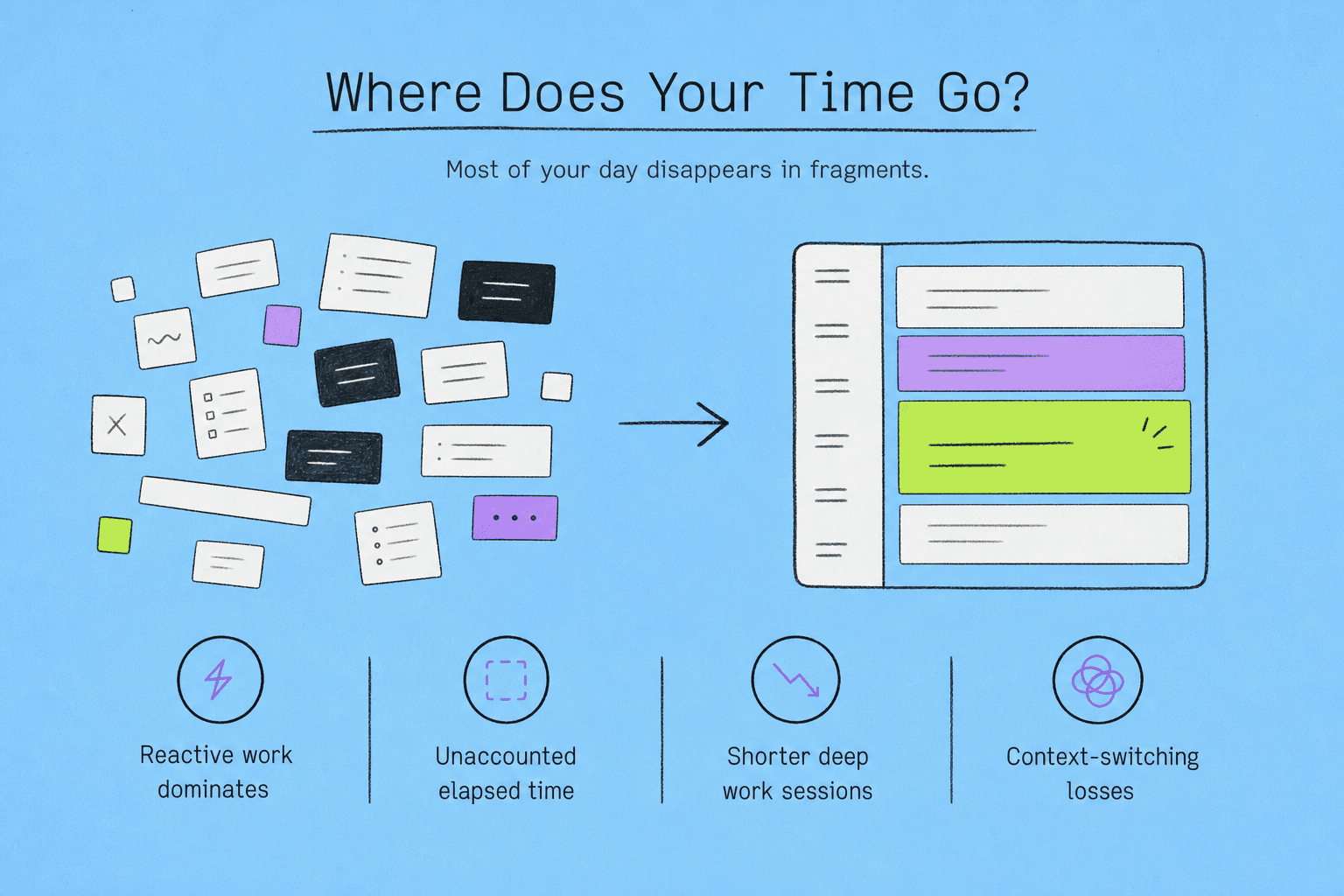
You already have a theory about your day. It’s probably wrong.
Most of us carry a rough sense of our time. We think we spend most of our day on deep, focused work — writing, building, thinking, solving. We treat meetings and email as interruptions to that work.
The audit almost never agrees.
What it tends to show instead: reactive work dominates. The deep work sessions were shorter and less frequent than you remembered. A substantial portion of each day is categorically unaccounted for — not rest, not focused work, just… elapsed time. Context-switching you didn’t log. Conversations that expanded. Tabs that opened and stayed open.
This isn’t a character flaw. It’s a known quirk of human cognition. We’re bad at estimating duration, especially when we’re absorbed in something. We also tend to remember the kind of work we did rather than how much of it actually happened.
The audit replaces the theory with data.
What a time audit actually reveals
The practical findings from a time audit tend to cluster around a few uncomfortable truths.
The shallow work ratio. Most knowledge workers are doing far more low-complexity, low-impact work than they realize — responding, formatting, attending, following up. None of it feels like a waste in the moment. All of it adds up.
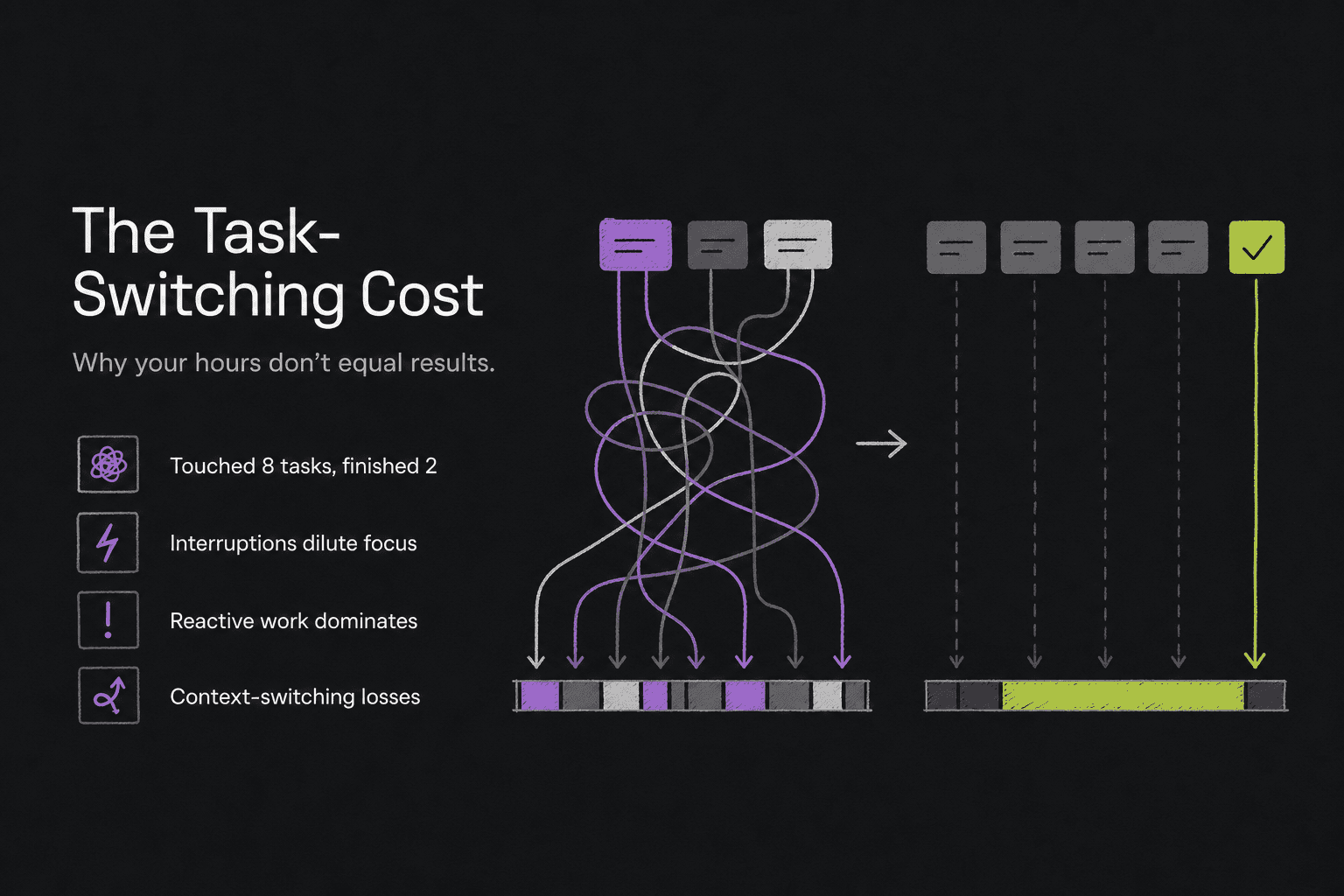
The task-switching cost. You might log six hours of productive work and still feel like you accomplished almost nothing. Time audits often reveal why: you touched eight different things and finished two. The hours were there. The focus wasn’t.
The disappearing time. Blocks that aren’t clearly anything. The half-hour between a meeting and lunch. The twenty minutes after you got distracted and before you got back on track. These are real losses, and they’re almost invisible until you start tracking them.
The rhythm patterns. When were you actually producing your best work? Most people say morning. The data often says mid-morning, for a window much shorter than assumed. Some people’s deep work tracking reveals that their best hours are mid-afternoon, which means they’ve been scheduling meetings there for years.
None of this is comfortable. It’s not supposed to be. That’s what makes it useful.
How to run a time audit — the practical version
There’s no single correct method, but there are a few principles that separate a useful audit from a frustrating one.
Start with a one-week window. One day gives you a snapshot, which is unreliable. One month asks too much. A week is enough to show patterns without burning you out.
Log in real time, not at the end of the day. End-of-day recall is the enemy of accurate data. By the time you get to it, you’ve already rewritten the narrative. You remember the things you finished, not the things that just kind of… happened. Capture as close to the moment as possible.
Track what you actually did, not what you were supposed to do. This is the part most productivity tools get wrong — they’re built around intention, not observation. Your calendar tells you what you planned. An audit tells you what occurred.
Use loose categories, not rigid ones. Deep work, shallow work, meetings, admin, and personal is usually enough. Over-categorizing creates friction that kills consistency. The goal is insight, not precision.
Don’t try to improve during the audit week. This is important. The audit is diagnostic. The moment you start optimizing while you’re measuring, you corrupt the data. Just record. Save the judgments for after.
The ADHD-adjacent problem that time audits expose
For a lot of knowledge workers — especially those who identify with ADHD time blindness or just the general experience of time passing faster than expected — the audit lands differently.
It’s not just that time is being misused. It’s that time doesn’t feel real until it’s already gone. A three-hour block that felt like forty-five minutes. A task that was supposed to take an hour and somehow consumed the morning. The day that felt productive but produced nothing finished.
This is sometimes called time blindness, and it makes standard time-tracking approaches particularly punishing. Asking someone who already struggles to perceive time accurately to also remember to log it manually — in a spreadsheet, an app, a notebook — is asking them to build the habit that’s hardest for them to build.
The audit still matters. Maybe more so. But how you run it needs to account for how memory and attention actually work for that kind of brain.
Where time audits break down
Manual time auditing has a core problem: it requires you to remember to do it.
Most people start strong. Day one, day two, maybe day three — the log is meticulous. By day five, there are gaps. By day seven, there’s a two-hour blank between 10am and noon that you’re now trying to reconstruct from memory. The exact thing you were trying to avoid.
This isn’t a discipline failure. It’s a design failure.
The audit tool is interrupting the work to ask you to document the work. That friction is inherent in every manual approach — spreadsheets, time-tracking apps, even the most elegant notebook system. They all ask you to stop what you’re doing and shift attention to the meta-task of recording what you were just doing.
Some people manage it. Most people eventually stop.
The honest answer is that the best audit is one you’ll actually complete — even if it’s less detailed than the one you abandoned.
What to do with what you find
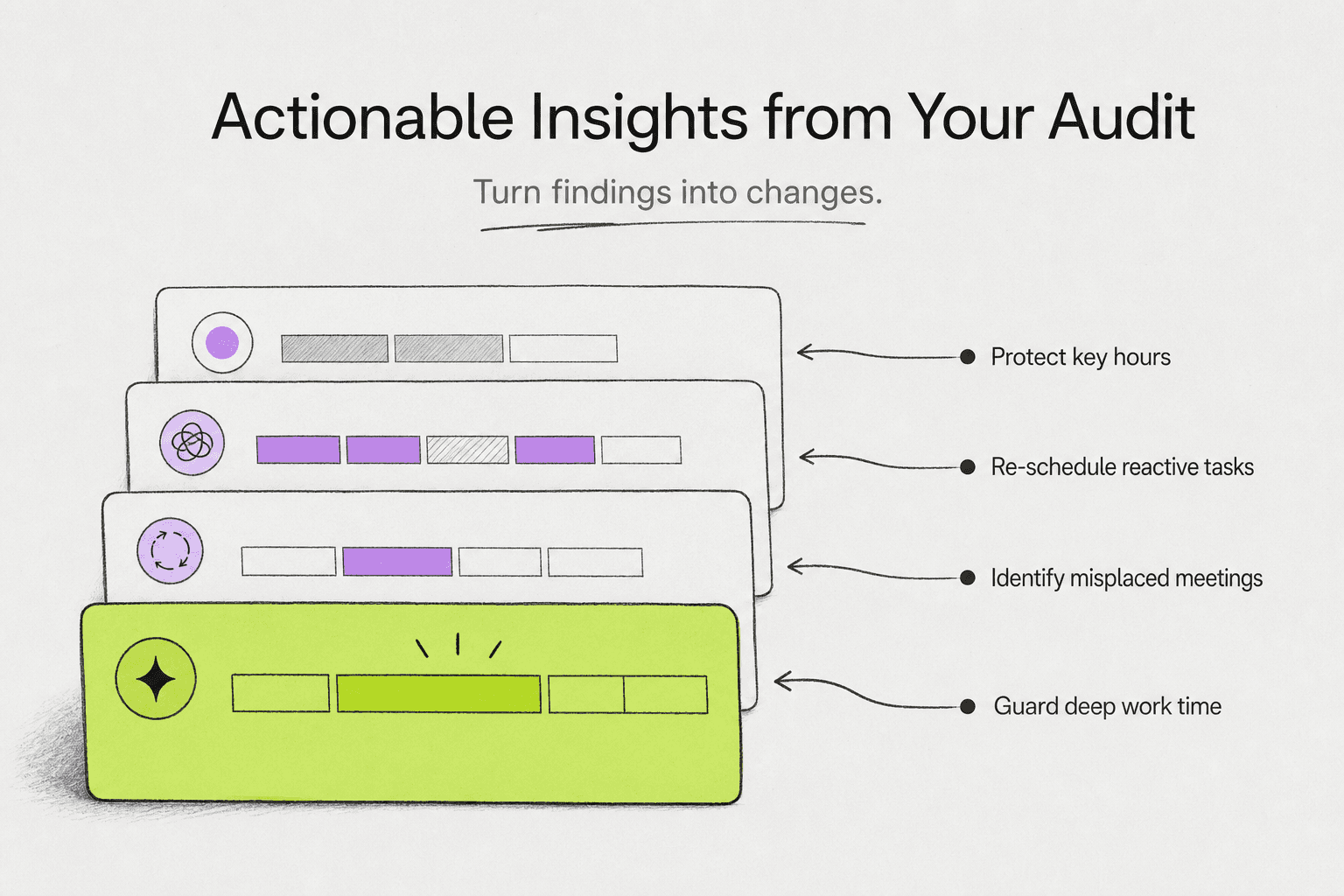
An audit that produces data and then changes nothing is an interesting exercise. To be useful, it needs to drive decisions.
Start with one question: what would I want more of, and what’s actually taking time away from it?
That usually reveals one or two structural changes worth making. Maybe it’s a meeting that could be an email. Maybe it’s a morning that’s currently being used for email that would be better protected. Maybe it’s that you’re doing a particular kind of work at the worst possible time of day for your focus.
The audit doesn’t prescribe what to change. It just removes the ability to pretend you don’t know where the time is going.
From there, the standard tools — time blocking, task batching, calendar restructuring — become much more effective, because they’re being applied to real patterns rather than a theory about your schedule.
What most people find after a thorough time audit isn’t that they need to work more hours. They need to protect a smaller number of hours more aggressively.
Turning your audit into a daily habit
Running one audit once is useful. Running one every quarter is better. Having a lightweight version of the audit running every day is genuinely transformative.
That last option is where most tracking systems fall apart — the overhead is too high to sustain. This is exactly the problem Daibrief was built to solve. Every 30 minutes, it sends a notification and captures a voice check-in in under 5 seconds. By the end of the day, your AI-generated summary tells you honestly where your time went — without a spreadsheet, without manual categorization, without trying to reconstruct your afternoon from memory.
The daily work log becomes automatic. The patterns become visible over time. And the audit stops being something you do once a quarter and starts being something that just… runs.
The audit doesn’t fix your schedule. It shows you what to fix.
That’s the distinction that matters.
Time audits don’t solve the problem of where your day goes. They diagnose it. They give you accurate information about something you currently have wrong — which is, in most cases, everything you need to start actually changing it.
If you’ve tried time blocking and stopped. If you’ve set up a task manager and abandoned it. If you’ve had every productivity system and still can’t explain where Tuesday went — the issue probably isn’t the system you chose.
It’s that you were optimizing without data.
Start with the audit. Build the picture. Then decide what to change.
—
Frequently asked questions
How long should a time audit last?
One week is the practical standard. It’s long enough to capture real patterns — including the difference between a Monday rhythm and a Thursday one — without requiring a level of consistency that most people can’t sustain. A single day produces a snapshot that’s too easy to dismiss as unrepresentative. A month is more data than you need to make useful decisions.
Do I need special software to do a time audit?
No. A basic time audit can be done in a plain text file, a notes app, or a piece of paper — as long as you’re capturing what you’re doing close to when you’re doing it. Dedicated tools can reduce friction and make patterns easier to read, but the most important variable is consistency, not the format. A complete low-tech log beats an abandoned sophisticated one.
What’s the difference between a time audit and time tracking?
Time tracking is usually ongoing and forward-looking — it’s about logging hours for billing, project management, or performance. A time audit is diagnostic and temporary. You run it for a defined window specifically to understand your current patterns, identify the gaps between where your time is going and where you want it to go, and then make structural decisions based on what you find. The audit is the investigation. Time tracking is the system that comes after.
How often should I run a time audit?
Once a quarter is a reasonable cadence for a full audit. Your schedule shifts — new projects, new roles, seasonal pressures — and patterns that were true in January may look completely different by April. Some people find that a lighter version running continuously, through a tool that captures check-ins automatically, gives them enough signal without the periodic effort of a structured audit week.
What if my audit shows that most of my day is out of my control?
That’s one of the most common findings, especially for people in management or client-facing roles. The audit can’t create time that isn’t there. What it can do is make visible which commitments are genuinely fixed and which ones have become fixed by default — meetings that recurred because no one cancelled them, tasks that landed on your plate and stayed there. Even in heavily constrained schedules, most people find at least some recoverable time once they can see it clearly.
—
Daibrief checks in every 30 minutes and turns your voice into a daily work log. Free for 7 days.